Article Overview
A fiber optic router may fail to connect due to incompatible hardware, missing ISP credentials, or incorrect configuration settings.
Check Hardware Compatibility
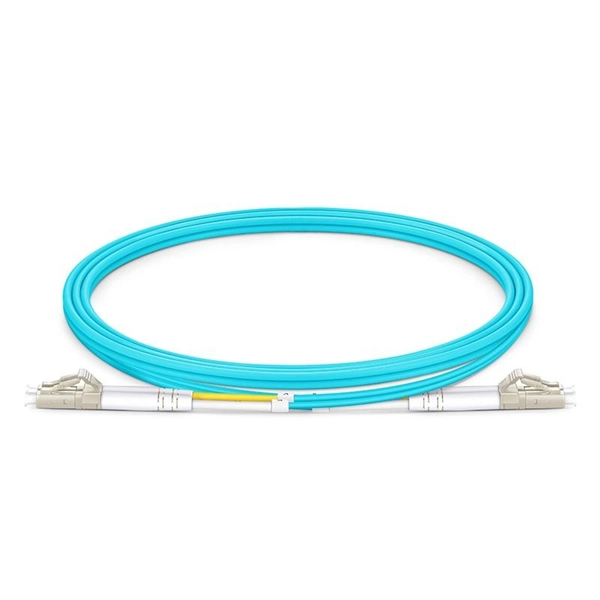
Ensure that your router and fiber optic modem are compatible. Some routers require specific transceivers or SFP modules to match the fiber optic interface. Using non-compatible SFPs or third-party transceivers can prevent the link from establishing and may cause unpredictable behavior, so it is recommended to use manufacturer-approved modules for your devices . Verify the connector type (e.g., LC) and supported speeds on both ends of the fiber link .
Verify ISP Credentials and Connection Type
Many fiber connections require a PPPoE username and password provided by your ISP. Without these credentials, the router cannot authenticate and establish an Internet connection . If you recently received a fiber modem from your ISP but no login information, contact your ISP to obtain the necessary credentials. Some ISPs also use dynamic IP or “easy login” systems, which may require the router to be set to auto-detect the connection type .
Router Configuration
- Set the correct connection type: PPPoE, static IP, or dynamic IP depending on your ISP instructions .
- Enter the correct IP, gateway, and DNS settings if using static IP .
- Check MAC address registration: Some ISPs require the router's MAC address to be registered for the connection to work .
- Bridge or DMZ mode: If using a separate router behind an ISP-supplied fiber gateway, enabling bridge mode on the gateway or placing your router in the DMZ can prevent IP conflicts and allow proper routing .
Physical and Signal Checks
- Inspect fiber cables for bends, cuts, or loose connectors and clean connectors with lint-free wipes and isopropyl alcohol .
- Test the transceivers by swapping with known-good units if possible .
- Check indicator lights on the modem and router; a “LOS” (Loss of Signal) LED indicates a physical connectivity issue .
- Restart both the modem and router to resolve temporary glitches .
Advanced Troubleshooting
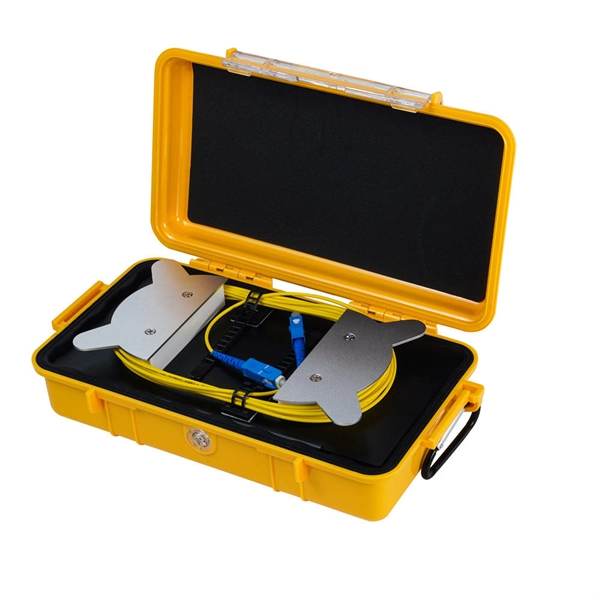
- Use an OTDR or power meter to measure signal strength if the connection still fails .
- Ensure firmware on both the router and modem is up to date to avoid compatibility issues .
- Confirm that both ends of the fiber link support the same speed and duplex settings . By systematically checking hardware compatibility, ISP credentials, router configuration, and physical connections, most fiber optic router connection issues can be resolved. If problems persist, contacting your ISP for support or scheduling a technician visit may be necessary.
Fiber Optic Troubleshooting: Expert Guide for Common Issues
Troubleshoot fiber optic issues like a pro with our expert guide. Resolve common problems and ensure seamless
How to Connect a Fiber Optic Cable to a Router
Learn the essential hardware bridge and sequential steps needed to link the optical line to your router.
The Ultimate Fiber Troubleshooting Bible for Beginners 2025
Solve fiber troubleshooting issues fast with step-by-step tips for beginners. Keep your fiber optic network reliable and
Help cannot connect to my Optical fiber modem
I have moved into my new apartment. Where my landlord provided with a Ftth (fiber to the home)modem and a ups
Fiber Network Troubleshooting – Common Issues & Fixes
Learn how to troubleshoot fiber networks. Identify common issues like high loss, dirty connectors, and signal drops,
Changed to fibre optic router and now printer will not connect
Hi, I have a deskjet F4580 all in one printer that has always been wireless without problems, I have just upgraded to
Common Fiber Connectivity Issues: Causes, Troubleshooting, and
Learn the most common fiber connectivity issues in network deployment, including link failure, unstable fiber links,
How to connect a fiber optic cable to the router
Not all routers can connect directly to a fiber cable, so it is important to verify this information before continuing. 2.
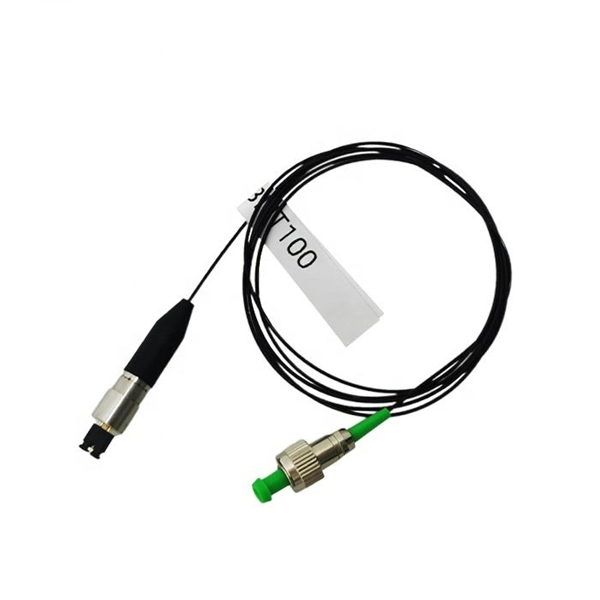
Unable to Connect Router to Fiber Optic Cable Modem
Despite multiple attempts, the Archer AX6000 v1.0 is unable to connect to the modem. The blue light on top of the
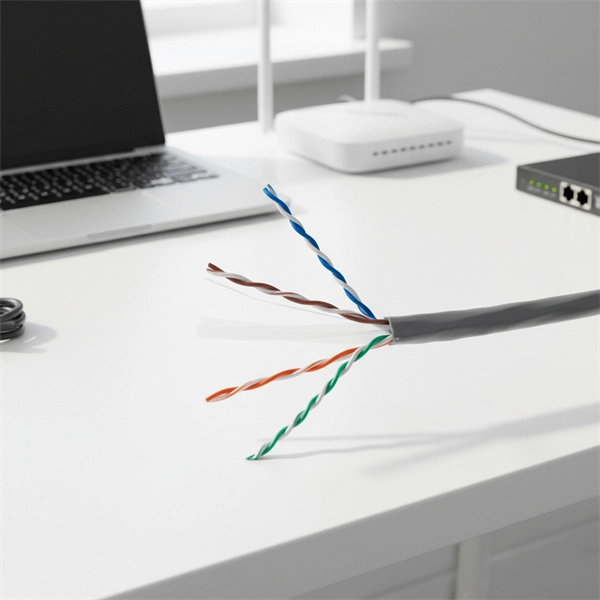
Cannot get link across new fiber run : r/networking
When testing from my etherscope NXG directly to either switch (switch-> patch Cable ->etherscope) I get link, but whenever I go
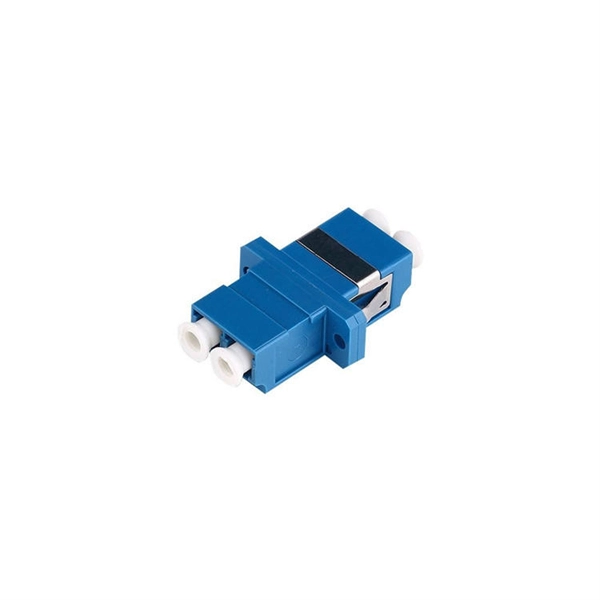
Cannot access router after upgrading internet with new fiber
Cannot access router after upgrading internet with new fiber gateway Today I upgraded from broadband to fiber. I
Fiber Optic Cable to Router: Step-by-Step Guide
Master the process of connecting a fiber optic cable to your router. Dive into preparation tips, setup instructions, and configuration
Laptop cannot find optical fibre network : r/HomeNetworking
We got a new optical fibre network installed recently, and it''s working as it should, all devices connect to it. All except my laptop
How to Connect Fiber Optic Cable to Router: Top 5
Learn how to connect fiber optic cable to router with our step-by-step guide. Optimize your
Troubleshoot Fiber Links on Catalyst 9000 Series Switches
This document describes how to troubleshoot fiber optic interfaces by addressing some of the fiber optic module and
Troubleshooting Optical Module Issues
Troubleshooting Optical Module Issues Symptom An optical port cannot go Up. The optical module cannot be properly
How to Connect Fiber Optic Cable to Router? Easy Fiber Optic
This video makes connecting your fiber optic cable to your router a breeze! We''ll guide
Cannot connect RAX30 router to my new fiber modem
Did you reset the router before you moved it to the new network? Can you actually access the browser graphical user
Determining Fiber Optic Compatibility with Routers: A Comprehensive
Learn how to determine the compatibility of fiber optic cables with routers, including the process of installing a fiber
Best routers for fiber internet 2025: our top picks for fast broadband
If you are looking for a new fiber internet router, then you should check our round-up of some of the best routers right
Fiber optic converter doesn''t work with new wireless router
Fiber optic converter doesn''t work with new wireless router - no internet Hi! I had an existing setup of a very old tp-link wireless
networking
I have a modem with optical fiber technology with WI-FI. Straight cable connection with two PC is stable and fast
Can I Use My Own Router for Fiber Internet? | Mercury
See when you can use your own router for fiber internet, what equipment is still required,
How to Connect Fiber Optic Cable to Router: A Step-by-Step Guide
Fiber optic internet delivers blazing-fast speeds and reliable connectivity, making it a top choice for modern homes
How to Connect Fiber Optic Cable to Router: A Step-by-Step Guide
Run a speed test: Use tools like Speedtest.net to verify your fiber optic speeds. Troubleshoot if needed: If there''s no
Top 10 Best WiFi Routers for Fiber Optic Internet 2026
Looking for the best router for fiber optic internet 2025? Explore top picks with fast speeds,
Fiber ONT Troubleshooting
Optical Network Terminal (ONT) troubleshooting guide: Tackling common glitches, step-by-step fixes, and preventive
packet tracer
I have modeled the following network on packettracer. The fiber-optic connections between Router4 and Router8 is
Related Resources
- Uganda Standard Distribution Box Configuration Table Diagram
- How many turns of a 100-meter fiber optic cable
- CAD cable tray elbow installation process
- Slovenia Power Box and Distribution Box Manufacturer
- Fiber Optic Panel Mount Installation Method
- Mexican Stockpiled Cable Trays and Consumables
- Why do fiber Bragg gratings break
- Dutch Price for High-Speed Optical Connectivity QSFP
- Uganda Spot Carrier-Grade Router DML
- Cable Tray Pricing Proposal for Computer Room