Article Overview
QSFP-DD transceivers can be safely installed by following ESD precautions, aligning the module with the port, and securing it until the locking mechanism engages, enabling 400G/800G optical connections.
Preparation and Safety
- Electrostatic Discharge (ESD) Protection: Always wear an ESD wrist strap and connect it to a grounded point to prevent damage to the transceiver ( ).
- Inspect the Module: Remove the QSFP-DD transceiver from its packaging and ensure the connector pins are not touched. Keep the rubber safety cap on until installation ( ).
- Port Preparation: Remove any dust covers from the OLT port and retain them for future use. Ensure the port is clean and free of debris ( ).
Physical Installation
- Orientation: Align the QSFP-DD module with the port so that the connector faces the correct direction. The module is keyed to prevent incorrect insertion ( ).
- Insertion: Slide the transceiver gently into the port until the locking pins engage. For pull-latch or bail-latch designs, ensure the latch clicks into place to secure the module ( ).
- Fiber Connection: If connecting optical fiber, remove the dust plug from the transceiver bore and carefully insert the fiber connector. The optical bores and fiber connectors are designed to prevent misalignment ( ).
- Unused Ports: Cover any unused ports with dust caps to prevent contamination and accidental laser exposure ( ).
Verification and Configuration
- Hot-Swap Capability: QSFP-DD modules are hot-insertable and hot-removable, so the OLT does not need to be powered down during installation ( ).
- Module Status: After installation, verify the module is recognized by the OLT management interface. Check for link status, signal integrity, and any alarms ( ).
- Loopback and Diagnostics: Optionally, configure loopback or PRBS pattern tests on the host or media side to validate connectivity and performance ( ).
Compatibility Considerations
- QSFP-DD modules are backward compatible with QSFP28 systems in terms of form factor, but the additional electrical pins prevent one-way use in older QSFP28 ports ( ).
- Ensure the transceiver type matches the OLT specifications (e.g., 400G or 800G coherent optics) and that the fiber type and length are supported ( ).
Maintenance Tips
- Avoid touching the optical interface to prevent contamination.
- Periodically inspect and clean fiber connectors using approved cleaning tools.
- Follow vendor-specific guidelines for firmware or software updates to ensure optimal performance ( ). By following these steps, the QSFP-DD OLT module can be installed safely and efficiently, providing high-speed optical connectivity while maintaining system integrity and performance.
Cisco QSFP-DD Pluggable Open Line System (QSFP-DD OLS)
The QSFP-DD-OLS has two bidirectional optical ports: the COM-RX/TX that shall be connected to the Multiplexer / Demultiplexer
Optical Line Terminal(OLT), its features and installation guide
An Optical Line Terminal (OLT) is the backbone of any Fiber-to-the-Home (FTTH) network. Acting as the endpoint of
OLT and ONU Installation Practices: How to Deploy FTTH Network
Planning your network, selecting the OLT and ONU, installing and ensuring maintenance help you build a good FTTH
Optical line termination
An optical line termination (OLT), also called an optical line terminal, is a device which serves as the service provider endpoint of a
Guide to Optical Line Terminal (OLT) Classifications:
In modern communication networks, optical line terminal (OLT) is the core device to realize
QSFP-DD Configuration
In the case of QSFP-DD, which supports data rates of up to 400 Gbps per port, ensuring signal integrity is particularly
Optical Line Terminal (OLT) Configuration Principle
Configuring an Optical Line Terminal (OLT) is a critical aspect of deploying and managing a
The Fiber Optic Association
An OLT (Optical Line Terminal) is the main device in a PON system that connects ONUs through the ODN segment, enabling
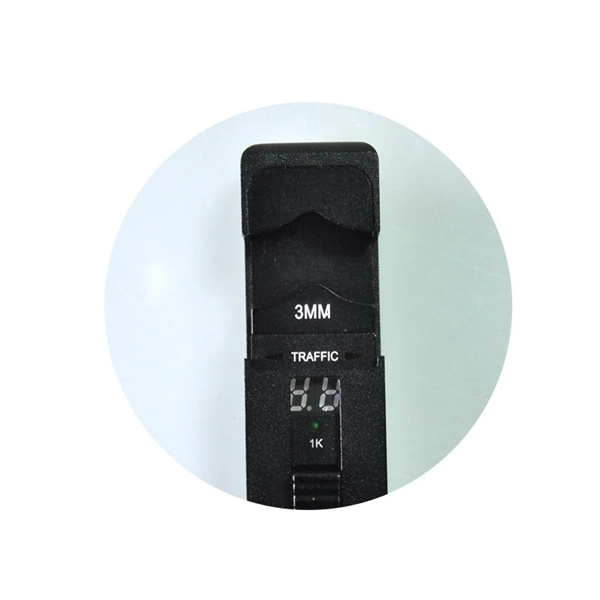
Installation Guide
TP-Link GPON OLT (Optical Line Terminal) products are designed to provide business-class solutions for ISP''s access networks,
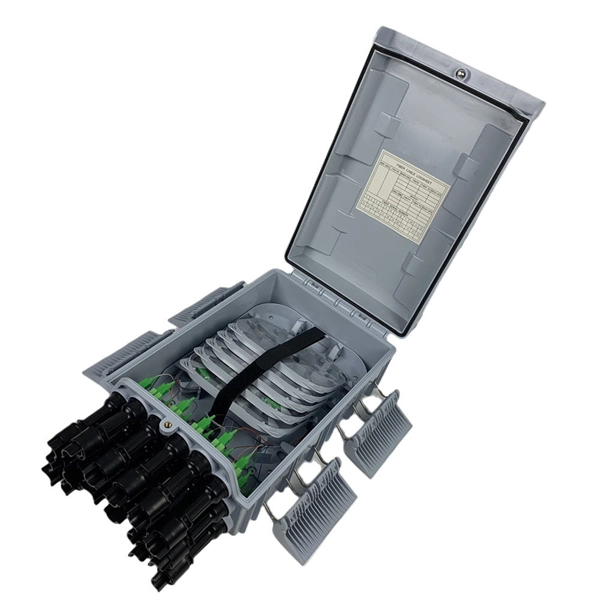
Cisco QSFP-DD Pluggable Open Line System (QSFP-DD OLS)
Product overview The Cisco® QSFP-DD Open Line System (QSFP-DD OLS) is a pluggable optical amplifier module that, together
FS Community
Hier sollte eine Beschreibung angezeigt werden, diese Seite lässt dies jedoch nicht zu.
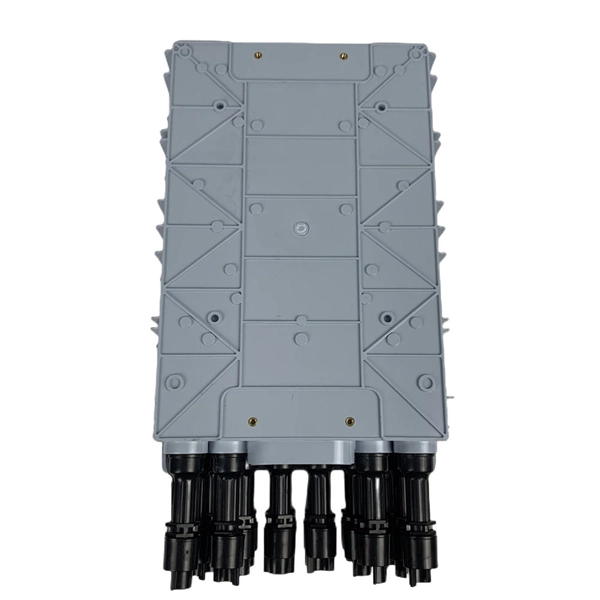
Installation Guide
Installation Guide DeltaStream GPON Optical Line Terminal The image may differ from the actual product.
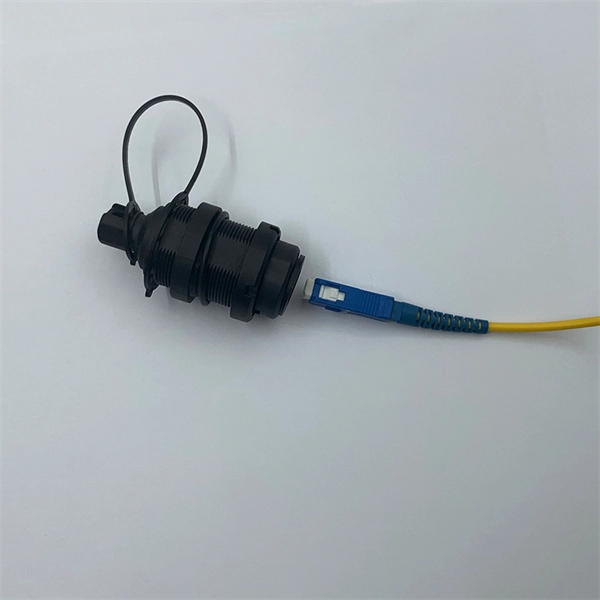
TE connectivity QSFP-DD Active Optical Cable Instruction Manual
Follow the steps below to use the product: Connect one end of the cable assembly to the SFP, QSFP, QSFP-DD or OSFP port of
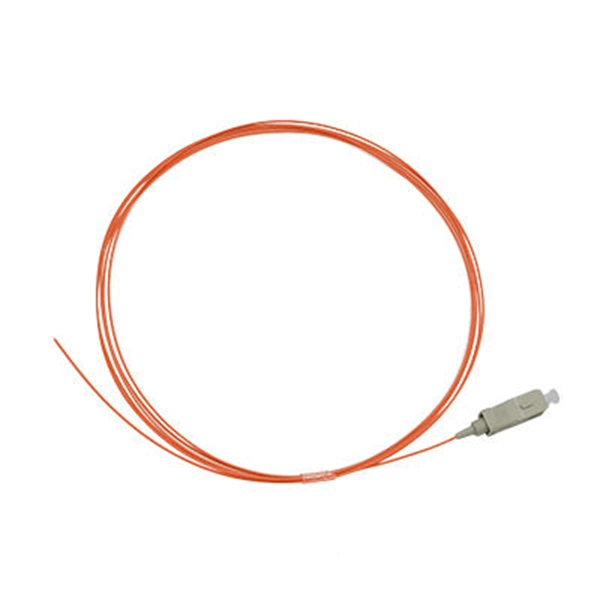
Cisco QSFP-DD Pluggable Open Line System (QSFP-DD OLS)
This latest offering from Cisco, the QSFP-DD OLS, is a “pluggable open line system” solution that perfectly integrates into the Cisco
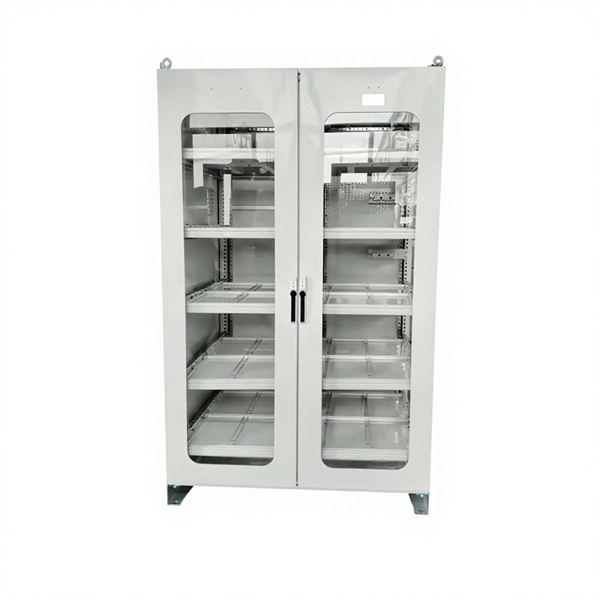
OLT and ONU Installation Best Practices for Reliable Fiber Deployment
Discover OLT and ONU installation best practices for reliable fiber deployment. Learn planning, setup, compatibility,
Media Converter Application #shorts #youtubeshorts #network
Media converter can convert optical signals into electrical signals, plug-and-play, no
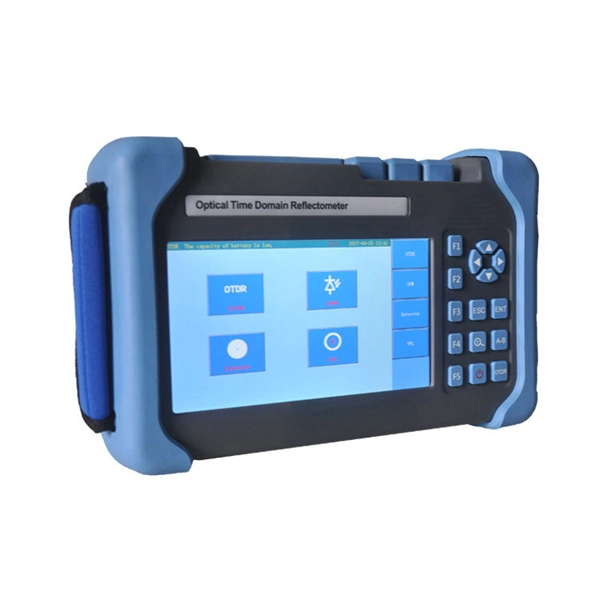
What Is an Optical Line Terminal (OLT)? A Clear Guide for Beginners
Learn what an OLT (Optical Line Terminal) is, how it works in fiber networks, its role in telecommunications, and key
800G OSFP & QSFP-DD Transceiver Module Installation Notes | FS
Do not install or remove OSFP/QSFP-DD transceiver modules with fiber patch cabless, as this may cause potential damage to the
QSFP-DD Configuration
QSFP-DD is a new module developed but with the same form factor as the current QSFP, to support high-speed solutions. It
U®Fiber UF-OLT Quick Start Guide
Introduction Thank you for purchasing the Ubiquiti Networks® U®Fiber OLT. This Quick Start Guide is designed to guide you through
Install an OSFP or QSFP-DD Transceiver | Juniper Networks
Use the information in this topic to install OSFP or QSFP-DD optical transceivers and fiber-optic cables. Juniper
Made OLT Configuration Simple: What You Should Know Before Setup
Setting up a fiber optic network may sound difficult, but it becomes much easier when you understand the basic ideas.
Cisco QSFP-DD Pluggable Open Line System
Get optical amplifier and multiplexer functionality in a pluggable form factor deployed directly in routers. Simplify the optical layer for
H3C QSFP-DD INSTALLATION MANUAL Pdf Download | ManualsLib
Installing and removing a pull latch transceiver module This installation procedure is applicable to QSFP-DD, QSFP28, CXP, and
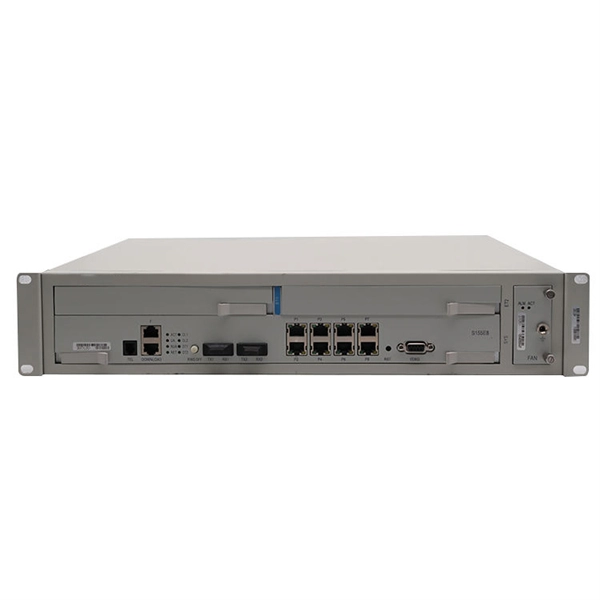
8-Port GPON Optical Line Terminal with SFP+
Installing UNMSTM The Ubiquiti Network Management System (UNMS) is a Linux-based controller software used to centrally
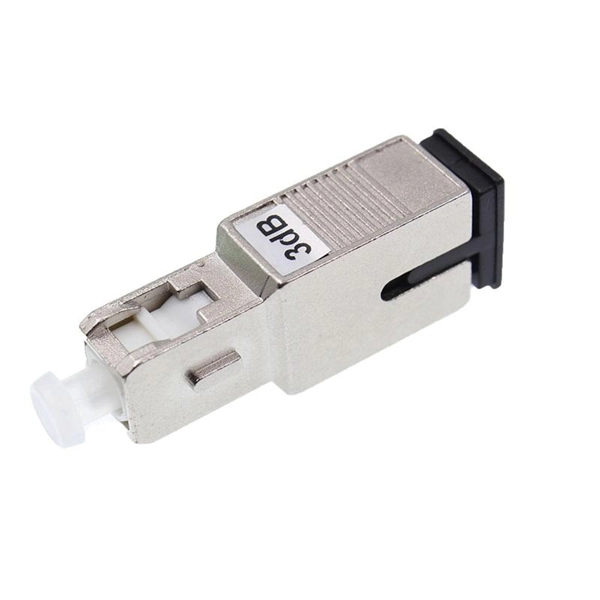
Cisco QSFP-DD Pluggable Open Line System (QDD
Learn more about the Cisco QSFP-DD Open Line System (QDD
Related Resources
- Types of optical transmitters
- Dust Cover for Network Equipment Rack
- Selection Criteria for Adjustable Optical Attenuators
- Function of Relay Protection Switch Board
- How to organize the cable management rack in the low-voltage box
- What are the relay protection systems in New York
- Dedicated power distribution box for temperature control box
- In-house distribution box circuit
- Cable tray fire protection tray
- What optical module should I use with my Huijue switch
- High-Temperature Resistant Optical Cable Supplier Direct from Pakistan Manufacturer